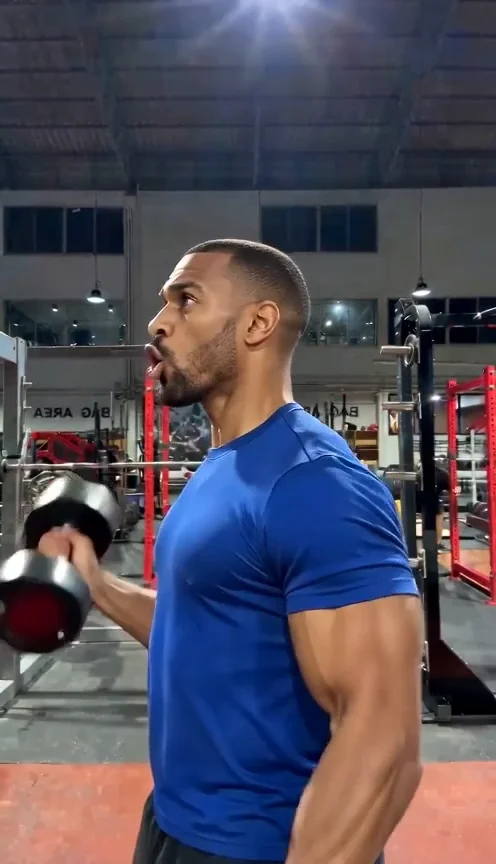
Choose the gym scene and a resolution
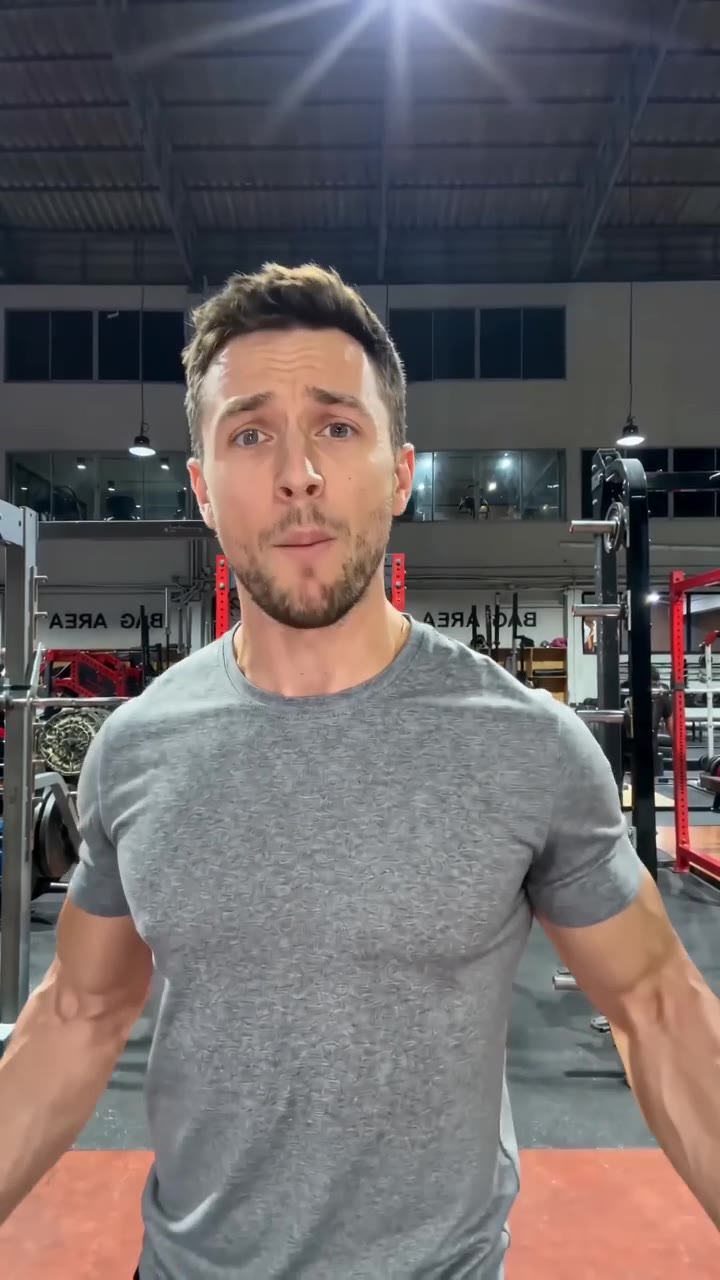
There is one scene to choose: In This Town Gym Curl. It is a solo template. Capacity is one photo, in the role named Gym performer. A duo would take two photos, and a cast would take more. This site has neither.
What the one slot does
Upload a photo when you want to replace the man in the blue shirt. Leave the slot empty when you want to keep him. The clip is still the same 15-second gym take either way: facing the camera, a side curl, then hand gestures, with the narration already in the file.
Use one portrait per slot. Putting two people in one photo does not create a second performer. The scene never had a second person.
Resolutions
| Resolution | What you are choosing |
|---|---|
| 480p | The smallest of the three outputs. The generator shows that option’s credit quote before you run it. |
| 720p | The middle resolution. The quote can differ from 480p and from 1080p. |
| 1080p | The highest resolution this scene offers. Read its quote on the generator before you spend credits. |
The scene length stays 15 seconds at every resolution. Resolution changes the quote, not the choreography, the narration, or the number of photo slots. This page does not list pack prices. The live catalog and the quote on screen are the amounts that apply.
When this scene is the right one
Choose it when you want one subject in the gym curl. Choose a front-facing portrait of a person for the most direct match to the samples. Choose a clear pet photo only if you accept a best-effort result with no pet sample on the site.
Skip this scene if you wanted a second person, a custom length, or a clip without the gym narration. None of those are controls here. Photo details are in the Gym performer photo guide.